
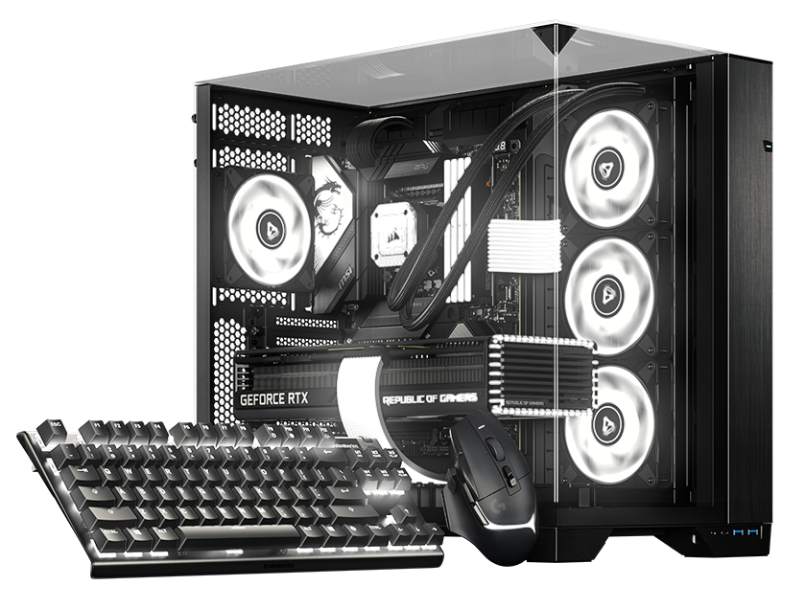

RGB-Software für Linux BETA

Ihre Distro.
Ihr Setup.
Ihr RGB.

Gestalten Sie mit uns das nächste Kapitel von SignalRGB mit unserer Beta für Arch- und Debian-basierte Desktops.

Native Pakete Gewohnte Updates Mehr Farbe
DIE LINUX-BETA

EINE FÜR ALLE. JETZT AUF LINUX.

Anderer Desktop.
Gleiche Liebe zu RGB.

Ihr Setup sollte sich wie Ihres anfühlen, bis hin zur Beleuchtung. Wir bringen SignalRGB mit nativen Paketen auf Linux, die zu Ihrer bisherigen Desktop-Verwaltung passen.

Starten Sie mit der Beta, sagen Sie uns, was funktioniert, und helfen Sie uns, die Erfahrung für die gesamte Community zu verbessern.

FINDEN SIE IHRE DISTRO

Zwei Familien. Ein helleres Setup.

BETA-UNTERSTÜTZUNG
pacman .pkg.tar.zst

Arch family

Your rolling-release setup. Now with more color.

  • Arch Linux

    Native Arch package

    Beta
  • Omarchy

    Built on Arch Linux

    Beta
  • SteamOS

    Arch-based gaming OS · SteamOS-specific setup

    Beta
  • CachyOS

    Performance-focused Arch-based desktop

    Beta
  • Garuda Linux

    Arch-based desktop with gaming tools

    Beta
  • EndeavourOS

    Lightweight Arch-based desktop

    Beta

Use the Omarchy update workflow on Omarchy. SteamOS has its own system-update model and requires SteamOS-specific installation guidance.

Get started with pacman
apt .deb

Debian family

A familiar package. A whole new look for your setup.

  • Debian

    Native Debian package

    Mindestversion: 13

    Beta
  • Ubuntu

    Debian-based desktop

    Mindestversion: 24.04

    Beta
  • Pop!_OS

    Ubuntu-based desktop by System76

    Mindestversion: 24.04

    Beta
  • Linux Mint

    Ubuntu / Debian-based desktop

    Mindestversion: 22 (Ubuntu edition) / LMDE 7

    Beta

Check the package repository for the release requirements for your version of Debian, Ubuntu, Pop!_OS, or Linux Mint.

Get started with apt

Nutzen Sie ein anderes Derivat? Prüfen Sie zuerst die Paketanforderungen. Ein gemeinsamer Paketmanager bedeutet nicht automatisch, dass eine Distribution oder Version unterstützt wird.

NATIV VON ANFANG AN

Lernen Sie Ihr neues
Lieblingspaket kennen.

Beziehen Sie SignalRGB über unser Linux-Paket-Repository. Einmal hinzufügen, dann kümmert sich Ihr Paketmanager um Installation und Updates.

IM TERMINAL AUSFÜHREN
curl -fsSL https://pkgs.signalrgb.com/install.sh | bash

Install the stable release. Your package manager will keep you updated with stable releases.

pkgs.signalrgb.com
IHRE LINUX-INSTALLATION nativ
  1. 01

    Wählen Sie Ihre Paketfamilie

    Prüfen Sie Ihre Distribution und Version anhand der Repository-Anforderungen.

    Arch · pacman Debian · apt
  2. 02

    Führen Sie den Installationsbefehl aus

    Kopieren Sie den Befehl in Ihr Terminal, um den Signaturschlüssel und die Paketquelle einzurichten und SignalRGB zu installieren.

  3. 03

    Starten. Aufleuchten. Ihr Werk.

    Öffnen Sie SignalRGB über Ihren App-Launcher und folgen Sie eventuellen Geräteberechtigungs-Aufforderungen. Zukünftige Pakete erhalten Sie über Ihren gewohnten Update-Workflow.

BAUEN SIE MIT UNS

Etwas früh. Viel Potenzial.

Dies ist eine Beta, und Ihr Setup ist Teil der Geschichte. Die Geräte- und Funktionskompatibilität kann unter Linux variieren. Teilen Sie mit, was funktioniert, melden Sie, was nicht funktioniert, und helfen Sie uns, die Details richtig zu machen.

GUT ZU WISSEN

Ein paar Antworten,
bevor Sie starten.

Gerätekatalog entdecken
What does beta mean?

You're getting an early look at SignalRGB on Linux. Expect rough edges as we improve compatibility and the desktop experience. Your feedback helps us decide what to work on next.

Will all of my devices and features work?

Linux compatibility is still being validated. The main supported-device catalog is a useful starting point, but it is not a guarantee of Linux beta support. Device access, hardware monitoring, fan control, and other features can depend on your hardware and Linux setup.

How will I get updates?

The Linux distribution path uses the SignalRGB package repository. Once it is configured, your native package manager handles package updates. Omarchy users should follow the Omarchy update workflow.

Can I use another Linux distribution?

This beta focuses on the Arch and Debian families listed above. A shared package format does not guarantee compatibility with another distribution or release. Check the package requirements before trying another derivative.

Where should I share feedback?

Join the SignalRGB Discord or visit our community forums. Include your distribution and version, desktop environment, SignalRGB version, affected devices, and steps to reproduce the issue so we can understand your setup.

Ihr Setup. Ihre Regeln. Finden Sie Ihre Distro