
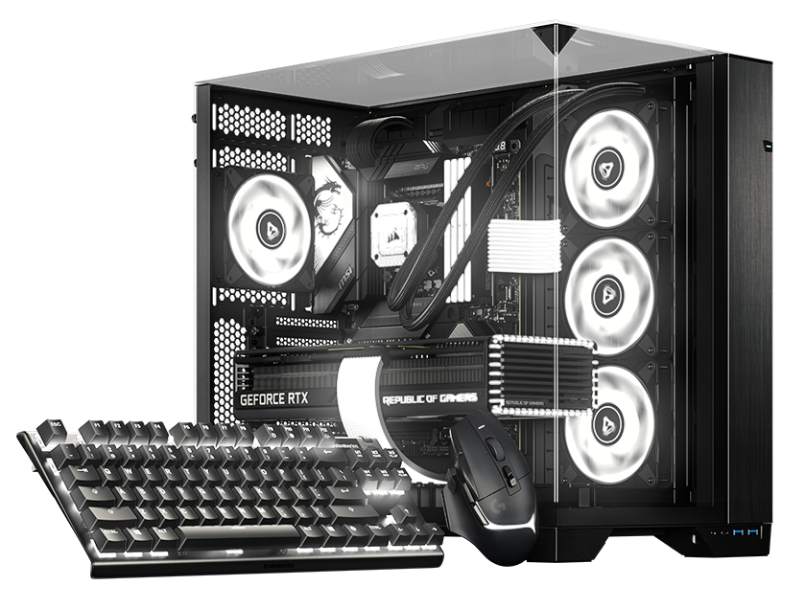

Software RGB para Linux BETA

Tu distro.
Tu setup.
Tu RGB.

Ayúdanos a dar forma al próximo capítulo de SignalRGB con nuestra beta para escritorios basados en Arch y Debian.

Paquetes nativos Actualizaciones familiares Más color
LA BETA DE LINUX

UNO PARA TODOS. AHORA EN LINUX.

Escritorio diferente.
Mismo amor por el RGB.

Tu setup debería sentirse tuyo, hasta en la iluminación. Estamos trayendo SignalRGB a Linux con paquetes nativos que encajan con la forma en que ya gestionas tu escritorio.

Empieza con la beta, cuéntanos qué funciona y ayúdanos a mejorar la experiencia para toda la comunidad.

ENCUENTRA TU DISTRO

Dos familias. Un setup más brillante.

SOPORTE BETA
pacman .pkg.tar.zst

Arch family

Your rolling-release setup. Now with more color.

  • Arch Linux

    Native Arch package

    Beta
  • Omarchy

    Built on Arch Linux

    Beta
  • SteamOS

    Arch-based gaming OS · SteamOS-specific setup

    Beta
  • CachyOS

    Performance-focused Arch-based desktop

    Beta
  • Garuda Linux

    Arch-based desktop with gaming tools

    Beta
  • EndeavourOS

    Lightweight Arch-based desktop

    Beta

Use the Omarchy update workflow on Omarchy. SteamOS has its own system-update model and requires SteamOS-specific installation guidance.

Get started with pacman
apt .deb

Debian family

A familiar package. A whole new look for your setup.

  • Debian

    Native Debian package

    Versión mínima: 13

    Beta
  • Ubuntu

    Debian-based desktop

    Versión mínima: 24.04

    Beta
  • Pop!_OS

    Ubuntu-based desktop by System76

    Versión mínima: 24.04

    Beta
  • Linux Mint

    Ubuntu / Debian-based desktop

    Versión mínima: 22 (Ubuntu edition) / LMDE 7

    Beta

Check the package repository for the release requirements for your version of Debian, Ubuntu, Pop!_OS, or Linux Mint.

Get started with apt

¿Usas otra derivada? Revisa primero los requisitos del paquete. Compartir un gestor de paquetes no significa automáticamente que una distribución o versión esté soportada.

NATIVO DESDE EL INICIO

Conoce tu nuevo
paquete favorito.

Obtén SignalRGB a través de nuestro repositorio de paquetes Linux. Añádelo una vez y deja que tu gestor de paquetes se encargue de la instalación y las actualizaciones.

EJECUTA EN TU TERMINAL
curl -fsSL https://pkgs.signalrgb.com/install.sh | bash

Install the stable release. Your package manager will keep you updated with stable releases.

pkgs.signalrgb.com
TU INSTALACIÓN DE LINUX nativo
  1. 01

    Elige tu familia de paquetes

    Comprueba tu distribución y versión con los requisitos del repositorio.

    Arch · pacman Debian · apt
  2. 02

    Ejecuta el comando de instalación

    Copia el comando en tu terminal para configurar la clave de firma y la fuente del paquete, luego instala SignalRGB.

  3. 03

    Inicia. Ilumina. Hazlo tuyo.

    Abre SignalRGB desde tu lanzador de aplicaciones y sigue las indicaciones de acceso a dispositivos. Los futuros paquetes llegan a través de tu flujo de actualización habitual.

CONSTRÚYELO CON NOSOTROS

Un poco pronto. Muchas posibilidades.

Esto es una beta, y tu setup es parte de la historia. La compatibilidad de dispositivos y funciones puede variar en Linux. Comparte lo que funciona, reporta lo que no y ayúdanos a afinar los detalles.

BUENO SABERLO

Algunas respuestas
antes de empezar.

Explora el catálogo de dispositivos
What does beta mean?

You're getting an early look at SignalRGB on Linux. Expect rough edges as we improve compatibility and the desktop experience. Your feedback helps us decide what to work on next.

Will all of my devices and features work?

Linux compatibility is still being validated. The main supported-device catalog is a useful starting point, but it is not a guarantee of Linux beta support. Device access, hardware monitoring, fan control, and other features can depend on your hardware and Linux setup.

How will I get updates?

The Linux distribution path uses the SignalRGB package repository. Once it is configured, your native package manager handles package updates. Omarchy users should follow the Omarchy update workflow.

Can I use another Linux distribution?

This beta focuses on the Arch and Debian families listed above. A shared package format does not guarantee compatibility with another distribution or release. Check the package requirements before trying another derivative.

Where should I share feedback?

Join the SignalRGB Discord or visit our community forums. Include your distribution and version, desktop environment, SignalRGB version, affected devices, and steps to reproduce the issue so we can understand your setup.

Tu setup. Tus reglas. Encuentra tu distro