
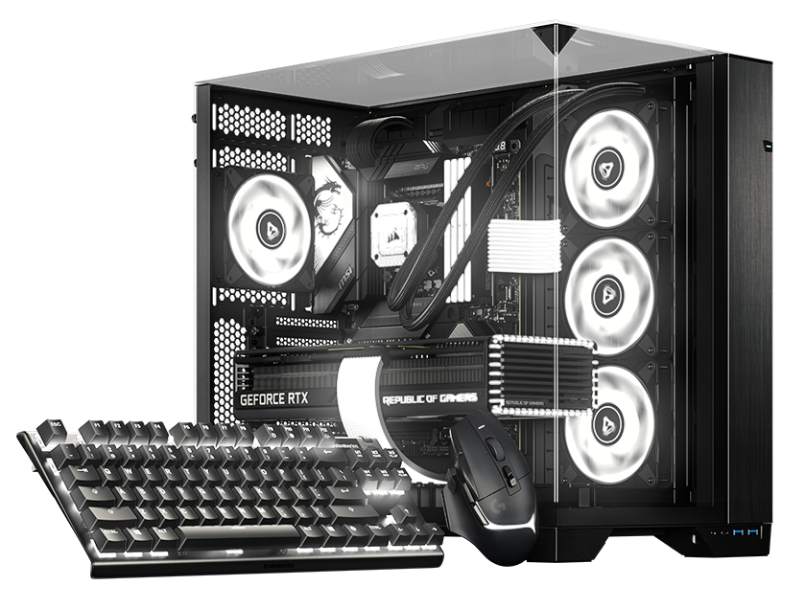

Perisian RGB untuk Linux BETA

Distro anda.
Persediaan anda.
RGB anda.

Bantu bentuk bab seterusnya SignalRGB dengan beta kami untuk desktop berasaskan Arch dan Debian.

Pakej natif Kemas kini biasa Lebih banyak warna
BETA LINUX

SATU UNTUK SEMUA. KINI DI LINUX.

Desktop berbeza.
Cinta yang sama untuk RGB.

Persediaan anda patut terasa seperti milik anda, hingga ke pencahayaan. Kami membawakan SignalRGB ke Linux dengan pakej natif yang sesuai dengan cara anda menguruskan desktop anda.

Mulakan dengan beta, beritahu kami apa yang berkesan, dan bantu kami menjadikan pengalaman ini lebih baik untuk seluruh komuniti.

CARI DISTRO ANDA

Dua keluarga. Satu persediaan yang lebih cerah.

SOKONGAN BETA
pacman .pkg.tar.zst

Arch family

Your rolling-release setup. Now with more color.

  • Arch Linux

    Native Arch package

    Beta
  • Omarchy

    Built on Arch Linux

    Beta
  • SteamOS

    Arch-based gaming OS · SteamOS-specific setup

    Beta
  • CachyOS

    Performance-focused Arch-based desktop

    Beta
  • Garuda Linux

    Arch-based desktop with gaming tools

    Beta
  • EndeavourOS

    Lightweight Arch-based desktop

    Beta

Use the Omarchy update workflow on Omarchy. SteamOS has its own system-update model and requires SteamOS-specific installation guidance.

Get started with pacman
apt .deb

Debian family

A familiar package. A whole new look for your setup.

  • Debian

    Native Debian package

    Versi minimum: 13

    Beta
  • Ubuntu

    Debian-based desktop

    Versi minimum: 24.04

    Beta
  • Pop!_OS

    Ubuntu-based desktop by System76

    Versi minimum: 24.04

    Beta
  • Linux Mint

    Ubuntu / Debian-based desktop

    Versi minimum: 22 (Ubuntu edition) / LMDE 7

    Beta

Check the package repository for the release requirements for your version of Debian, Ubuntu, Pop!_OS, or Linux Mint.

Get started with apt

Menggunakan derivatif lain? Semak keperluan pakej terlebih dahulu. Berkongsi pengurus pakej tidak secara automatik bermaksud distribusi atau keluaran itu disokong.

NATIF DARI MULA

Kenali pakej
kegemaran baharu anda.

Dapatkan SignalRGB melalui repositori pakej Linux kami. Tambah sekali sahaja, kemudian biarkan pengurus pakej anda menguruskan pemasangan dan kemas kini.

JALANKAN DI TERMINAL ANDA
curl -fsSL https://pkgs.signalrgb.com/install.sh | bash

Install the stable release. Your package manager will keep you updated with stable releases.

pkgs.signalrgb.com
PEMASANGAN LINUX ANDA natif
  1. 01

    Pilih keluarga pakej anda

    Semak distribusi dan keluaran anda dengan keperluan repositori.

    Arch · pacman Debian · apt
  2. 02

    Jalankan arahan pemasangan

    Salin arahan ke terminal anda untuk menetapkan kunci penandatanganan dan sumber pakej, kemudian pasang SignalRGB.

  3. 03

    Lancarkan. Nyalakan. Jadikan milik anda.

    Buka SignalRGB daripada pelancar aplikasi anda dan ikuti sebarang gesaan akses peranti. Pakej masa depan akan tiba melalui aliran kerja kemas kini biasa anda.

BINA BERSAMA KAMI

Sedikit awal. Banyak kemungkinan.

Ini adalah beta, dan persediaan anda adalah sebahagian daripada cerita. Keserasian peranti dan ciri boleh berbeza di Linux. Kongsi apa yang berkesan, laporkan apa yang tidak, dan bantu kami memperbetulkan butiran.

BAIK UNTUK DIKETAHUI

Beberapa jawapan
sebelum anda bermula.

Terokai katalog peranti
What does beta mean?

You're getting an early look at SignalRGB on Linux. Expect rough edges as we improve compatibility and the desktop experience. Your feedback helps us decide what to work on next.

Will all of my devices and features work?

Linux compatibility is still being validated. The main supported-device catalog is a useful starting point, but it is not a guarantee of Linux beta support. Device access, hardware monitoring, fan control, and other features can depend on your hardware and Linux setup.

How will I get updates?

The Linux distribution path uses the SignalRGB package repository. Once it is configured, your native package manager handles package updates. Omarchy users should follow the Omarchy update workflow.

Can I use another Linux distribution?

This beta focuses on the Arch and Debian families listed above. A shared package format does not guarantee compatibility with another distribution or release. Check the package requirements before trying another derivative.

Where should I share feedback?

Join the SignalRGB Discord or visit our community forums. Include your distribution and version, desktop environment, SignalRGB version, affected devices, and steps to reproduce the issue so we can understand your setup.

Persediaan anda. Peraturan anda. Cari distro anda