
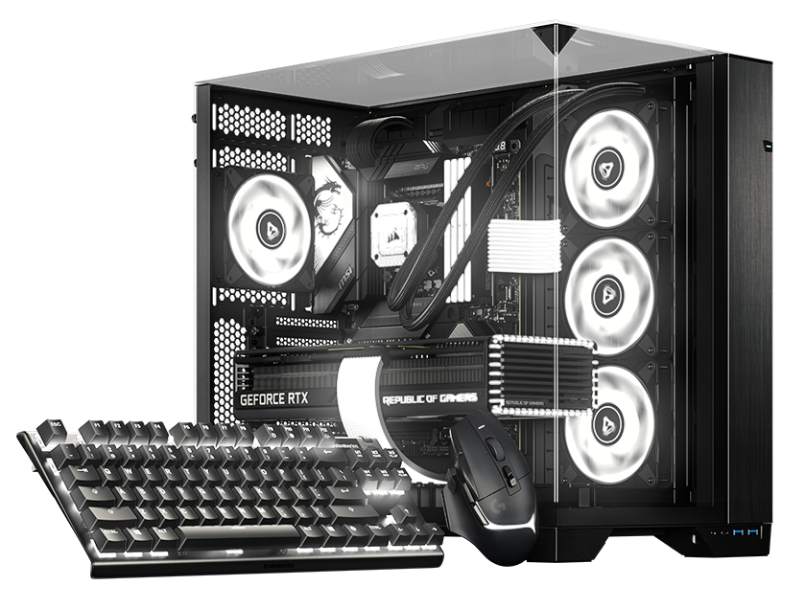

RGB softver za Linux BETA

Tvoja distribucija.
Tvoja konfiguracija.
Tvoj RGB.

Pomozi nam da oblikujemo sledeće poglavlje SignalRGB-a sa našom beta verzijom za Arch i Debian desktopove.

Nativni paketi Poznati način ažuriranja Više boje
LINUX BETA

JEDAN ZA SVE. SADA NA LINUX-U.

Drugi desktop.
Ista ljubav prema RGB-u.

Tvoja konfiguracija bi trebalo da liči na tebe, sve do osvetljenja. Donosimo SignalRGB na Linux sa nativnim paketima koji se uklapaju u način na koji već upravljaš svojim desktopom.

Počni sa beta verzijom, reci nam šta funkcioniše i pomozi nam da iskustvo učinimo boljim za celu zajednicu.

PRONAĐI SVOJU DISTRIBUCIJU

Dve porodice. Jedna svetlija konfiguracija.

BETA PODRŠKA
pacman .pkg.tar.zst

Arch family

Your rolling-release setup. Now with more color.

  • Arch Linux

    Native Arch package

    Beta
  • Omarchy

    Built on Arch Linux

    Beta
  • SteamOS

    Arch-based gaming OS · SteamOS-specific setup

    Beta
  • CachyOS

    Performance-focused Arch-based desktop

    Beta
  • Garuda Linux

    Arch-based desktop with gaming tools

    Beta
  • EndeavourOS

    Lightweight Arch-based desktop

    Beta

Use the Omarchy update workflow on Omarchy. SteamOS has its own system-update model and requires SteamOS-specific installation guidance.

Get started with pacman
apt .deb

Debian family

A familiar package. A whole new look for your setup.

  • Debian

    Native Debian package

    Minimalna verzija: 13

    Beta
  • Ubuntu

    Debian-based desktop

    Minimalna verzija: 24.04

    Beta
  • Pop!_OS

    Ubuntu-based desktop by System76

    Minimalna verzija: 24.04

    Beta
  • Linux Mint

    Ubuntu / Debian-based desktop

    Minimalna verzija: 22 (Ubuntu edition) / LMDE 7

    Beta

Check the package repository for the release requirements for your version of Debian, Ubuntu, Pop!_OS, or Linux Mint.

Get started with apt

Koristiš drugu derivat distribuciju? Prvo proveri zahteve paketa. Deljenje package menadžera ne znači automatski da je distribucija ili izdanje podržano.

NATIVNO OD POČETKA

Upoznaj svoj novi
omiljeni paket.

Nabavi SignalRGB preko našeg Linux repozitorijuma paketa. Dodaj ga jednom, pa prepusti svom package menadžeru da se brine o instalaciji i ažuriranjima.

POKRENI U SVOM TERMINALU
curl -fsSL https://pkgs.signalrgb.com/install.sh | bash

Install the stable release. Your package manager will keep you updated with stable releases.

pkgs.signalrgb.com
TVOJA LINUX INSTALACIJA nativno
  1. 01

    Izaberi porodicu paketa

    Proveri svoju distribuciju i izdanje u odnosu na zahteve repozitorijuma.

    Arch · pacman Debian · apt
  2. 02

    Pokreni instalacionu komandu

    Kopiraj komandu u svoj terminal da bi podesio ključ za potpisivanje i izvor paketa, a zatim instaliraj SignalRGB.

  3. 03

    Pokreni. Zasvetli. Učini svojim.

    Otvori SignalRGB iz svog pokretača aplikacija i sledi sve upite za pristup uređajima. Budući paketi stižu kroz tvoj uobičajeni tok ažuriranja.

GRADI SA NAMA

Malo rano. Puno mogućnosti.

Ovo je beta, a tvoja konfiguracija je deo priče. Kompatibilnost uređaja i funkcija može varirati na Linux-u. Podeli šta funkcioniše, prijavi šta ne radi i pomozi nam da detalje izvedemo kako treba.

KORISNO ZA ZNATI

Nekoliko odgovora
pre nego što počneš.

Istraži katalog uređaja
What does beta mean?

You're getting an early look at SignalRGB on Linux. Expect rough edges as we improve compatibility and the desktop experience. Your feedback helps us decide what to work on next.

Will all of my devices and features work?

Linux compatibility is still being validated. The main supported-device catalog is a useful starting point, but it is not a guarantee of Linux beta support. Device access, hardware monitoring, fan control, and other features can depend on your hardware and Linux setup.

How will I get updates?

The Linux distribution path uses the SignalRGB package repository. Once it is configured, your native package manager handles package updates. Omarchy users should follow the Omarchy update workflow.

Can I use another Linux distribution?

This beta focuses on the Arch and Debian families listed above. A shared package format does not guarantee compatibility with another distribution or release. Check the package requirements before trying another derivative.

Where should I share feedback?

Join the SignalRGB Discord or visit our community forums. Include your distribution and version, desktop environment, SignalRGB version, affected devices, and steps to reproduce the issue so we can understand your setup.

Tvoja konfiguracija. Tvoja pravila. Pronađi svoju distribuciju